General Area Types
The General Area Types option allows users to create a general area to identify areas of the property outside of an actual room that requires service. For example, a lobby or pool area. It is useful when building a foundation for maintenance service requests.
Perform the following steps to create a new general area:
Navigate to Settings ➜ All Settings ➜ Rooms & room types (under General).
Navigate to the General Area Types section to review the areas associated with the property configuration.
Click Add. The Add dialog box appears.
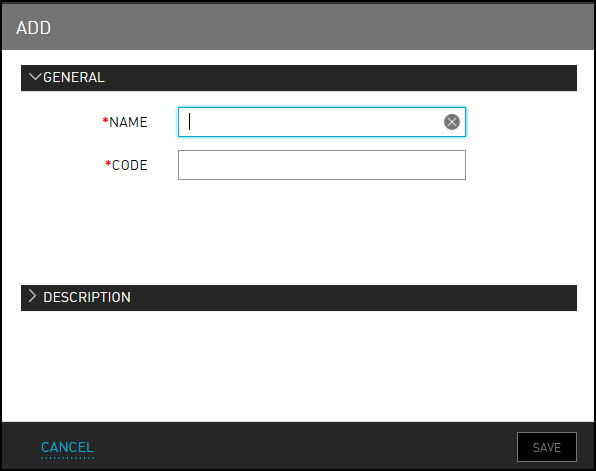
Refer to the following table and fill in the fields in the General tab:
|
Field |
Description |
|---|---|
|
Name |
The name of the general area. |
|
Code |
The code to identify the general area. |
Enter a brief description of the area to identify in the Description tab.
Click Save. The general area type details are created.